Chess
How to play chess online
Pick up a piece
Press a piece and the board shows every square it may legally move to — a dot on an empty square, a ring around a piece you can take.
Put it down
Press the square you want. Only legal moves are offered, so you cannot leave your own king in check by accident.
Take the king
Attack the enemy king so that nothing saves it. That is checkmate, and it ends the game whatever else is on the board.
Choose your opponent
Easy
Looks one move ahead
Defends against the obvious and misses the rest. Where to start.
Normal
Sound club player
Plays real moves and punishes a piece you leave hanging.
Hard
Thinks before it moves
Searches deeper and takes a moment. It beats most casual players.
Pass and play
Two people, one screen
No computer at all. The board waits for each side in turn.
Chess strategy for beginners
Take the centre
A knight on the rim reaches four squares; the same knight in the middle reaches eight. Pieces are worth what they can see.
Develop, then attack
Knights and bishops off the back rank, king castled, and only then start something. An attack with two pieces out gets refuted.
Count before you capture
Look at how many pieces defend the square, not just what is standing on it. Winning a pawn and losing a bishop is not winning a pawn.
Trade when you are ahead
Every exchange makes an extra piece count for more. When you are behind, keep pieces on and complicate.
Free Play or Competitive?
Free Play
- Three computer strengths
- Loose pieces marked as you learn
- Flip the board any time
- No account required
Competitive
- Sign in to record every game
- Wins and win rate on your profile
- Your place on the chess leaderboard
- Results count toward your ranking
Frequently asked questions
Is chess free to play on OfficeGames.io?
Yes. Chess is free, there is nothing to download, and you do not need an account to play. Signing in is only for saving your results and appearing on the monthly leaderboard.
How strong is the computer opponent?
There are three levels. Easy looks one move ahead and will miss things on purpose, so a beginner can win. Normal plays sound moves and punishes a hanging piece. Hard searches deeper and takes a moment over each move; it beats most casual players.
Can I play chess against another person?
Two ways. Switch the opponent to "Pass and play" and the board waits for both sides in turn on one screen, with no account needed. Or sign in and use Play online, which finds you an opponent and keeps the position in step for both of you.
Does this board handle castling, en passant and promotion?
All three, with the full rules — including the ones that are usually skipped, like not being allowed to castle through an attacked square, and promotion to a knight, bishop or rook rather than only a queen.
Can I take a move back?
No. A move played stands, against the computer and against another person. What the board offers a learner instead is a setting that outlines your own pieces that are attacked and undefended, so you see the mistake before you make it rather than take it back afterwards.
Play our other games
 🔤
🔤Wordle
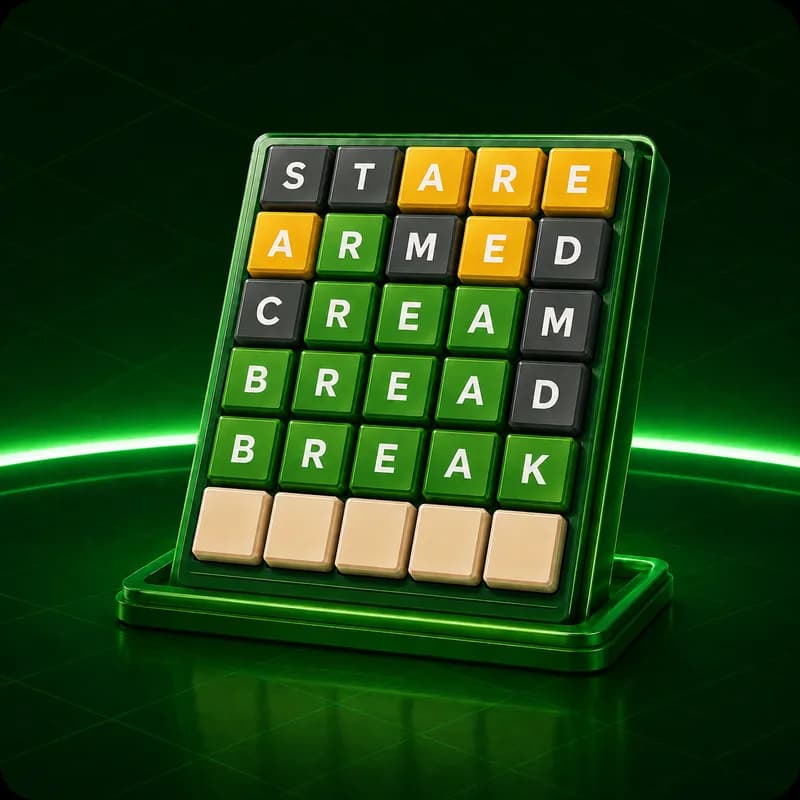
Wordle
Guess the word in 6 tries. Three modes: 4, 5, or 6 letters.
Play Free — No Account NeededPlay Now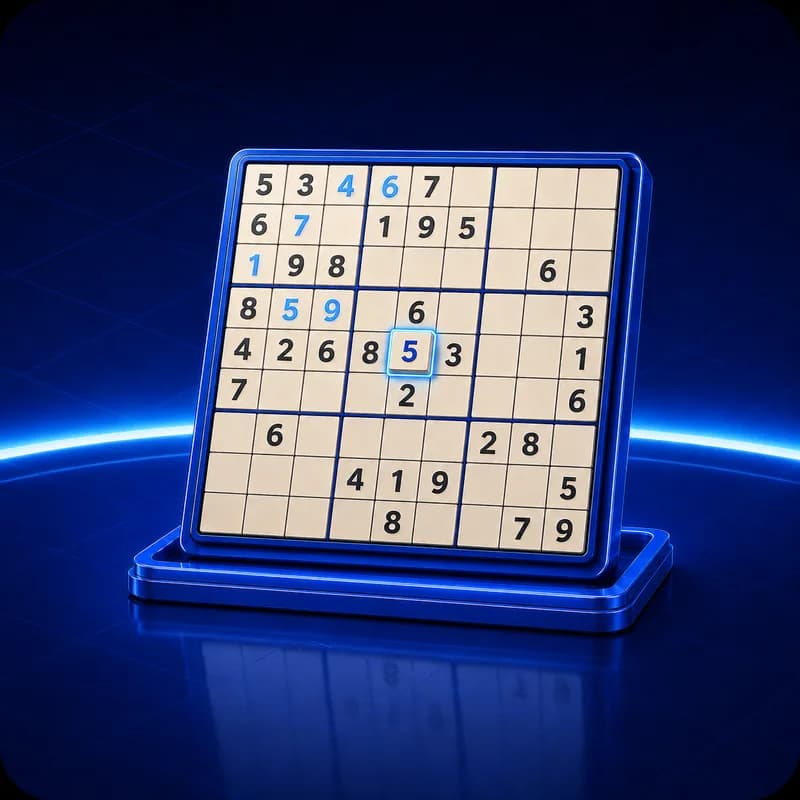 🔢
🔢Sudoku
Sudoku
Fill the grid with logic. Multiple difficulty levels.
Play Free — No Account NeededPlay Now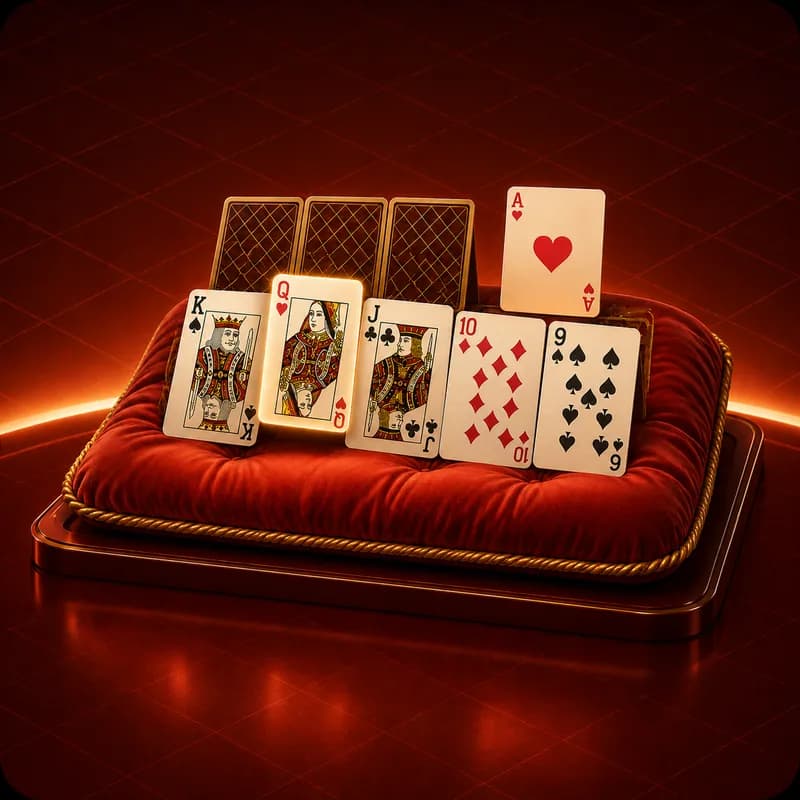 🃏
🃏Solitaire
Solitaire
Classic Klondike card game. Drag, drop, win.
Play Free — No Account NeededPlay Now 🧩
🧩2048
2048
Slide and merge tiles to reach 2048.
Play Free — No Account NeededPlay Now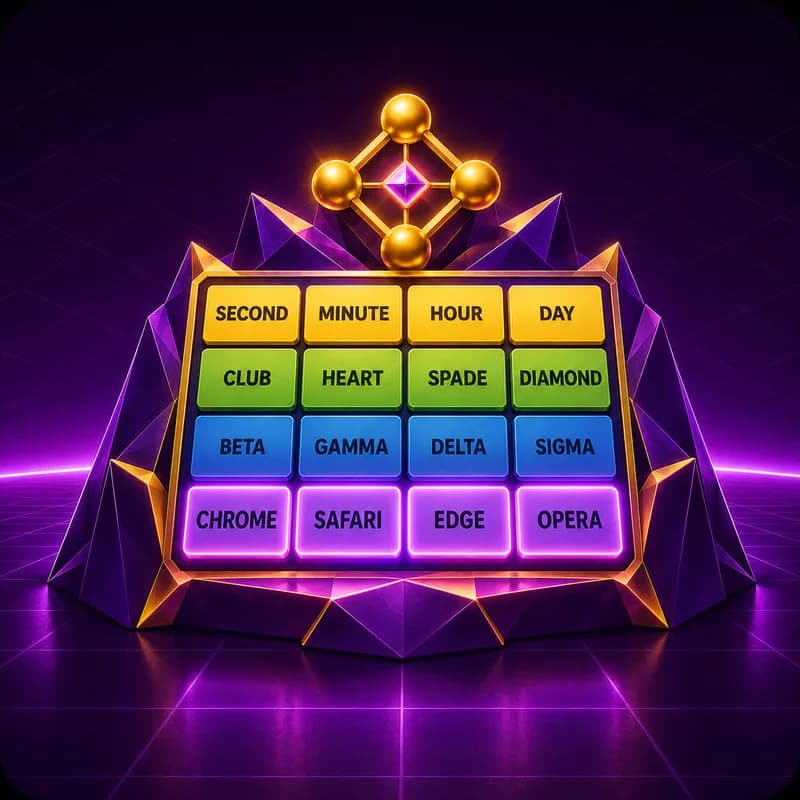 🔗
🔗Connections
Connections
Group 16 words into 4 hidden categories.
Play Free — No Account NeededPlay Now 🎲
🎲Yatzy Booku!
Yatzy Booku!
6-dice Yatzy with 20 categories. Play with friends.
Play Free — No Account NeededPlay Now